Keep the words flowing
Paragraph styles, name suggestions, and continuation marks help you stay with the scene.
SCREENWRITING FOR MAC
A professional application to write, review, and take your screenplay into production, focused on ease of use and distraction-free writing.
Private beta on TestFlight · macOS 13 or later
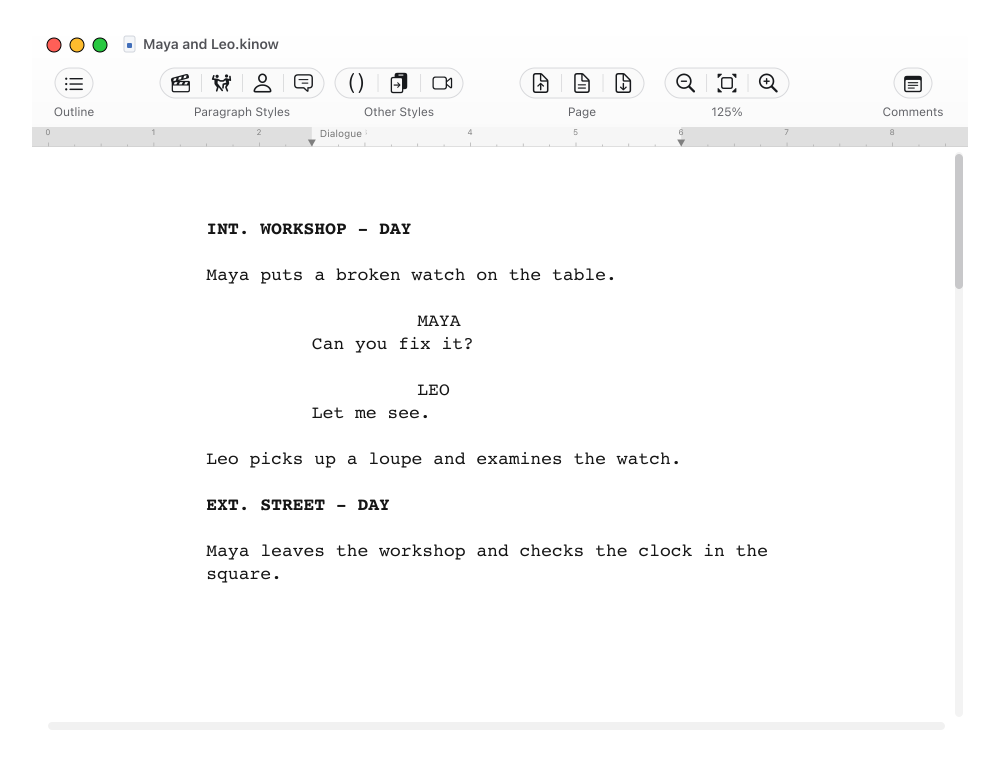
FROM THE FIRST LINE TO THE FINAL SCENE
Scene headings, action, characters, and dialogue, each in its place. KinoWriter helps you keep the shape of a screenplay while you find what you want to say.
Paragraph styles, name suggestions, and continuation marks help you stay with the scene.
Focus Mode and Unpaginated View let you choose how you want to work with the page.
Reading Mode gives your screenplay a voice so you can listen back and review its rhythm.
A CLOSER LOOK
From the page to the big picture and back to the details. A workspace for writing, organizing, and talking about the text.
A clear page, screenplay formatting, and room for the words to arrive. Hide the panels whenever you want to concentrate on writing.
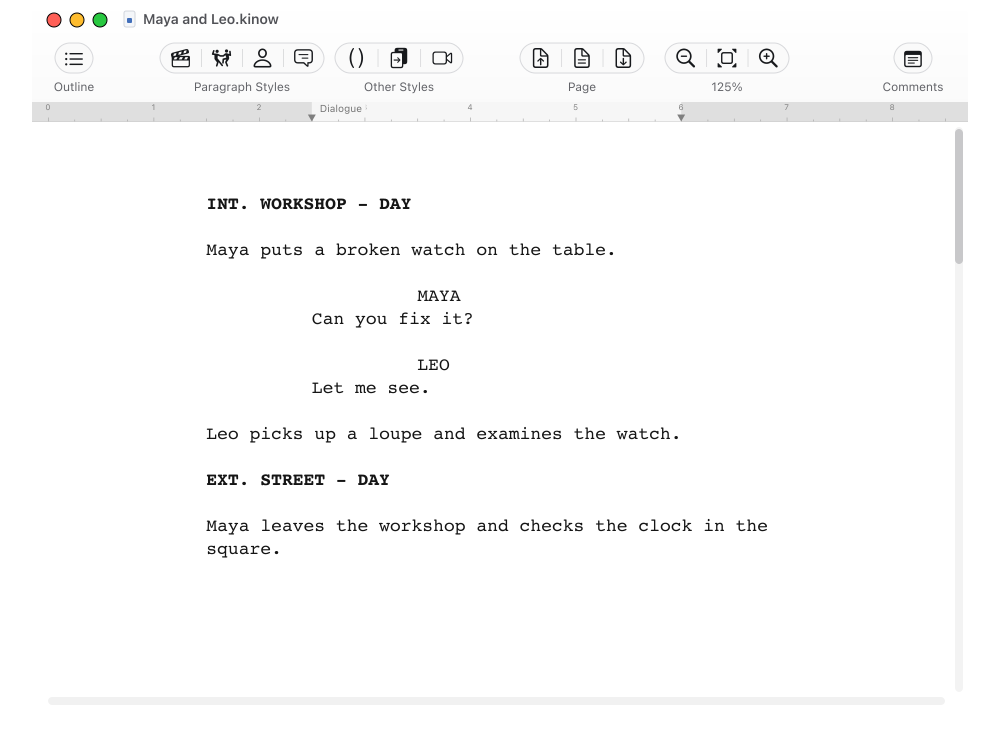
FROM THE SCREENPLAY TO THE TEAM
When a screenplay moves into production, references matter. Create a .kinop edition that preserves its page and scene layout, then prepare the copies your team needs.
Explore .kinop production references .kinowYOUR SCREENPLAY
 .kinopPRODUCTION REFERENCE
One story. One shared reference.
BEYOND THE PAGE
Turn the information in your story into reports you can read, print, and share.
Order, length, and characters.
Places, scene intro, and time of day.
Presence and dialogue cues.
Each voice, from start to finish.
Your review, gathered in a report.
Five perspectives. The same screenplay.
BEFORE YOU BEGIN
KinoWriter runs on many Macs from ten years ago, provided they support macOS 12 or later. It is a small application with modest memory requirements, built for Intel and Apple Silicon. The interface and help are available in English and Spanish.
Yes. You can import Final Draft (.fdx), Fountain (.fountain), and text-based PDF files. Scanned PDFs are not supported. Save the imported screenplay as a .kinow document to continue working in KinoWriter. You can also export to Final Draft, Fountain, and PDF.
It is a reference edition made from your screenplay. It preserves the page and scene layout so your team can refer to the same places in the text. In KinoWriter, you can open it, read it, print it, and export PDF copies with your choice of page numbers, scene numbers, and continuation marks. The editable screenplay remains in the .kinow file.
Yes. You can add watermarks when printing or exporting PDFs. From a .kinop reference, you can also export a batch of PDFs using a list of watermarks in a TXT or CSV file.
We are running the first private tests. Email [email protected] to request beta access. Test builds are distributed through Apple’s TestFlight. The current version of TestFlight requires macOS 13 or later to install the beta.
WE ARE WRITING THE OPENING SCENES
We are looking for writers who would like to try KinoWriter and help us refine the details. If you want to be part of this first chapter, we would love to hear from you.
Request beta access